The setup
Set up your business and start collecting payments in minutes.
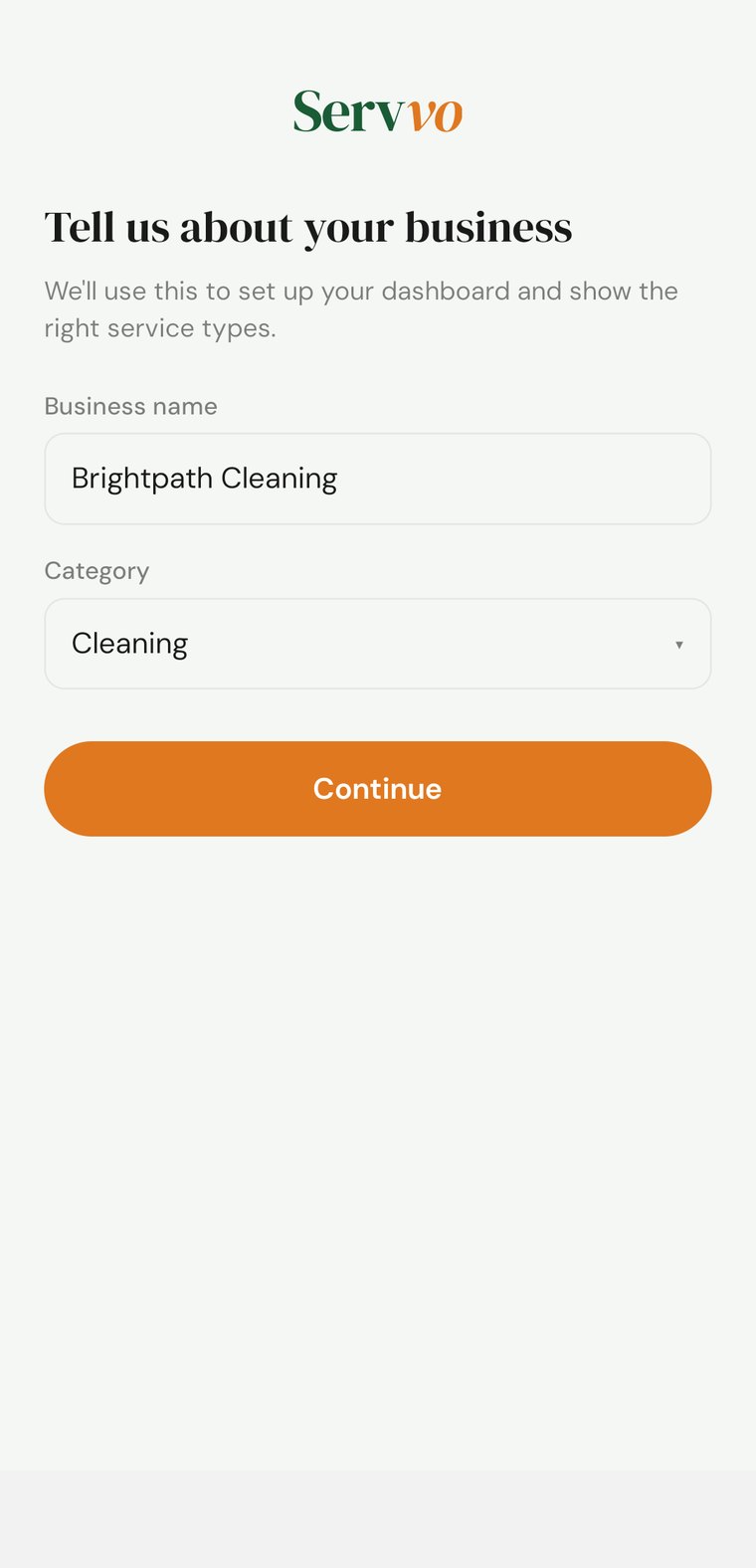
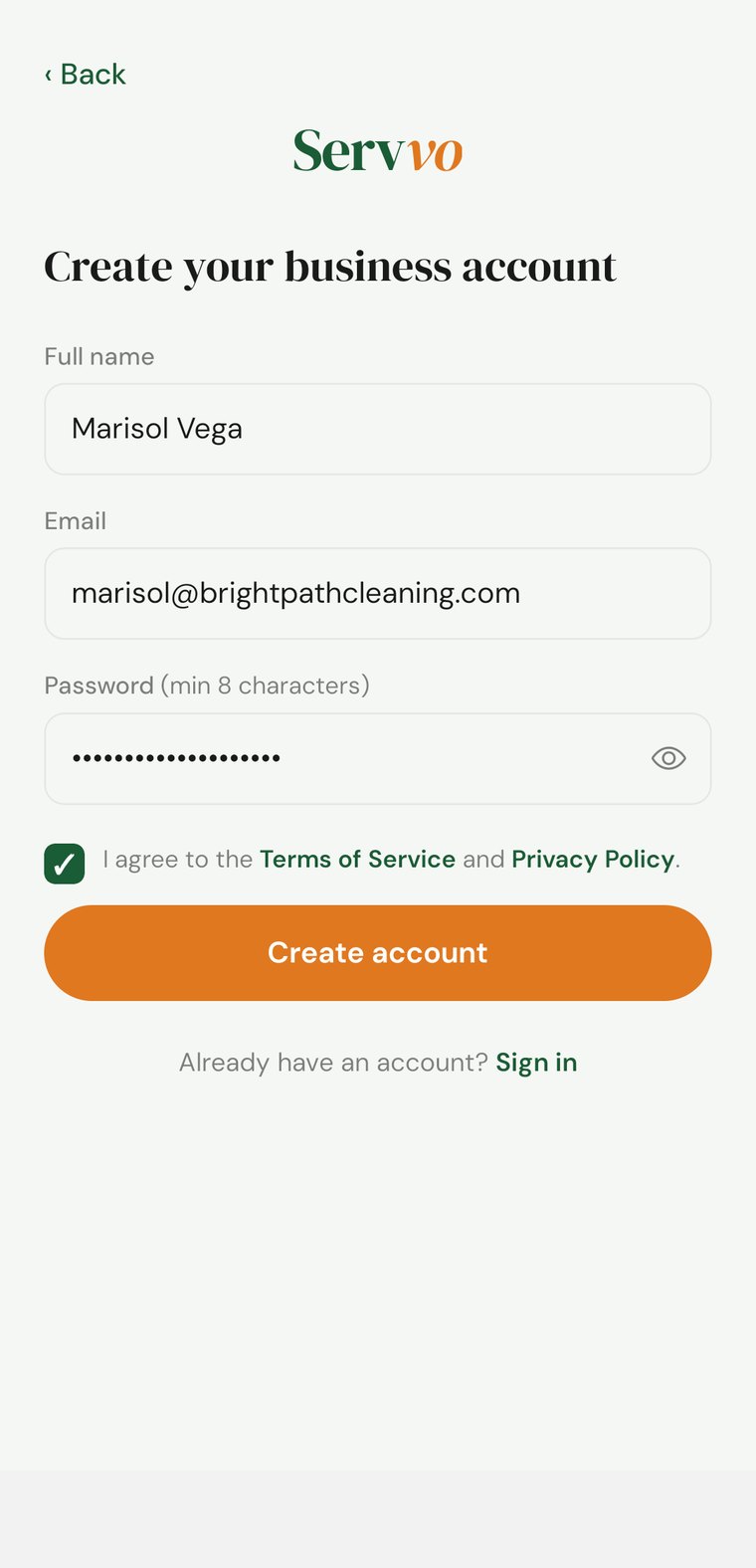
Sign up with your name, email, and business details.
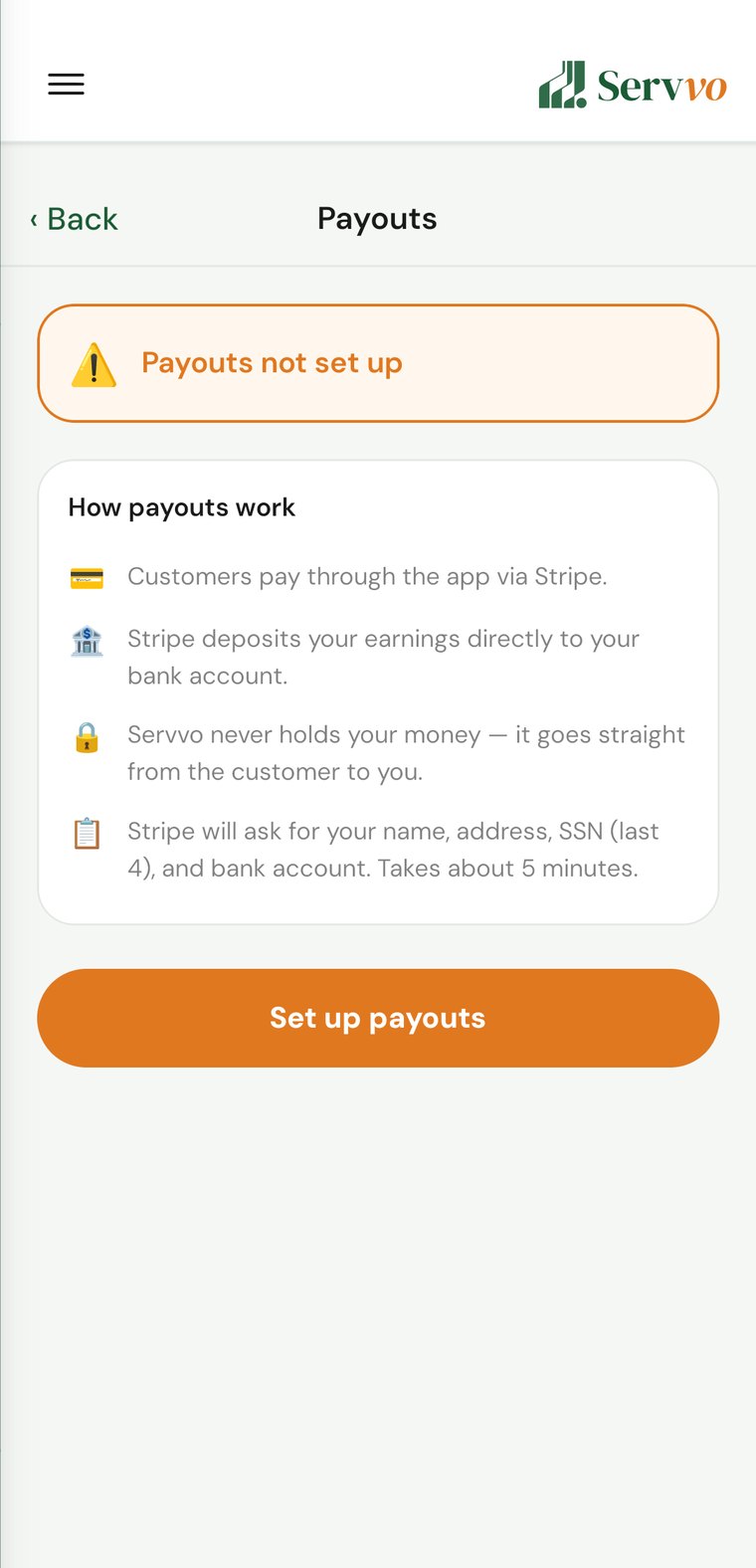
Link your bank securely with Stripe so you can get paid.
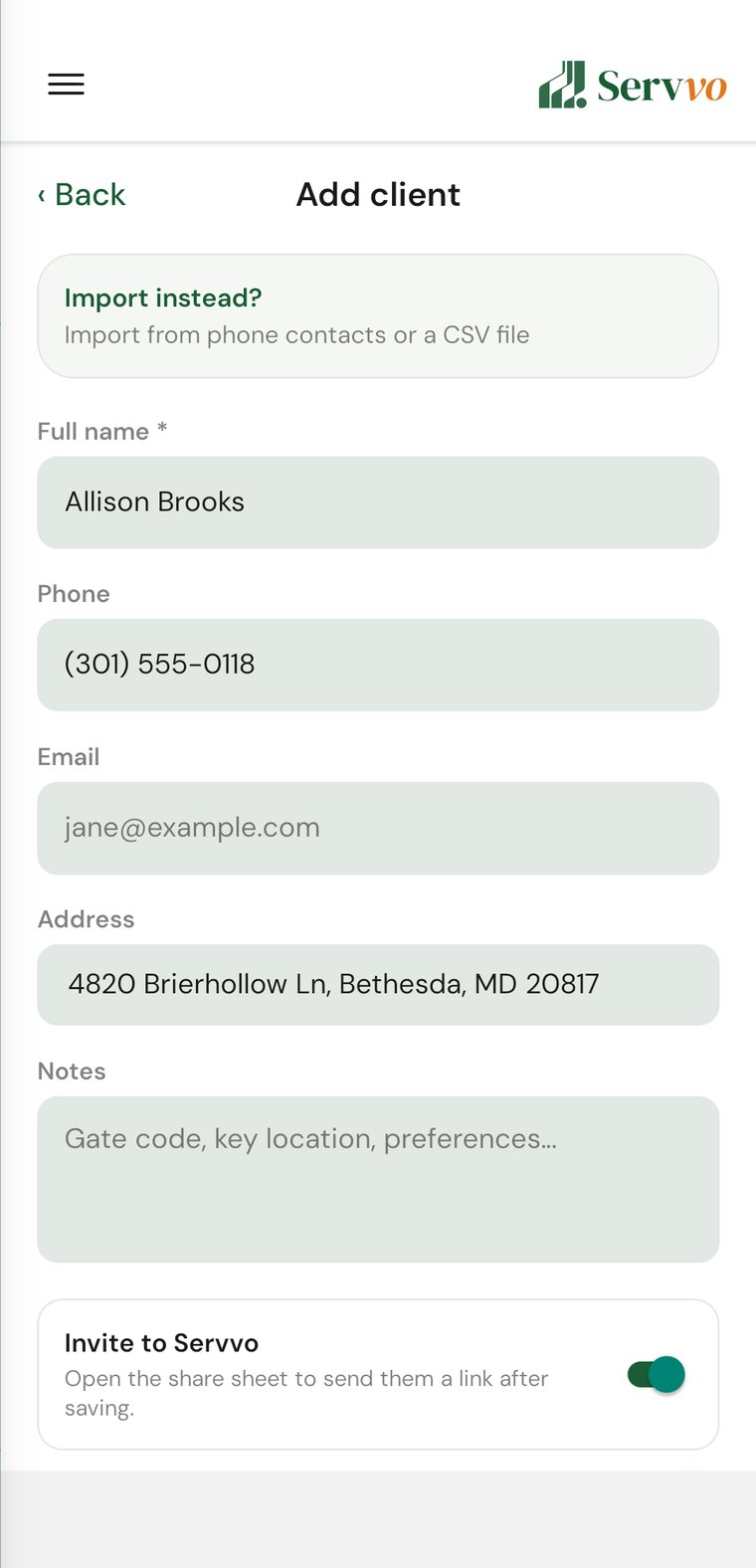
Save them or invite them with a single tap.
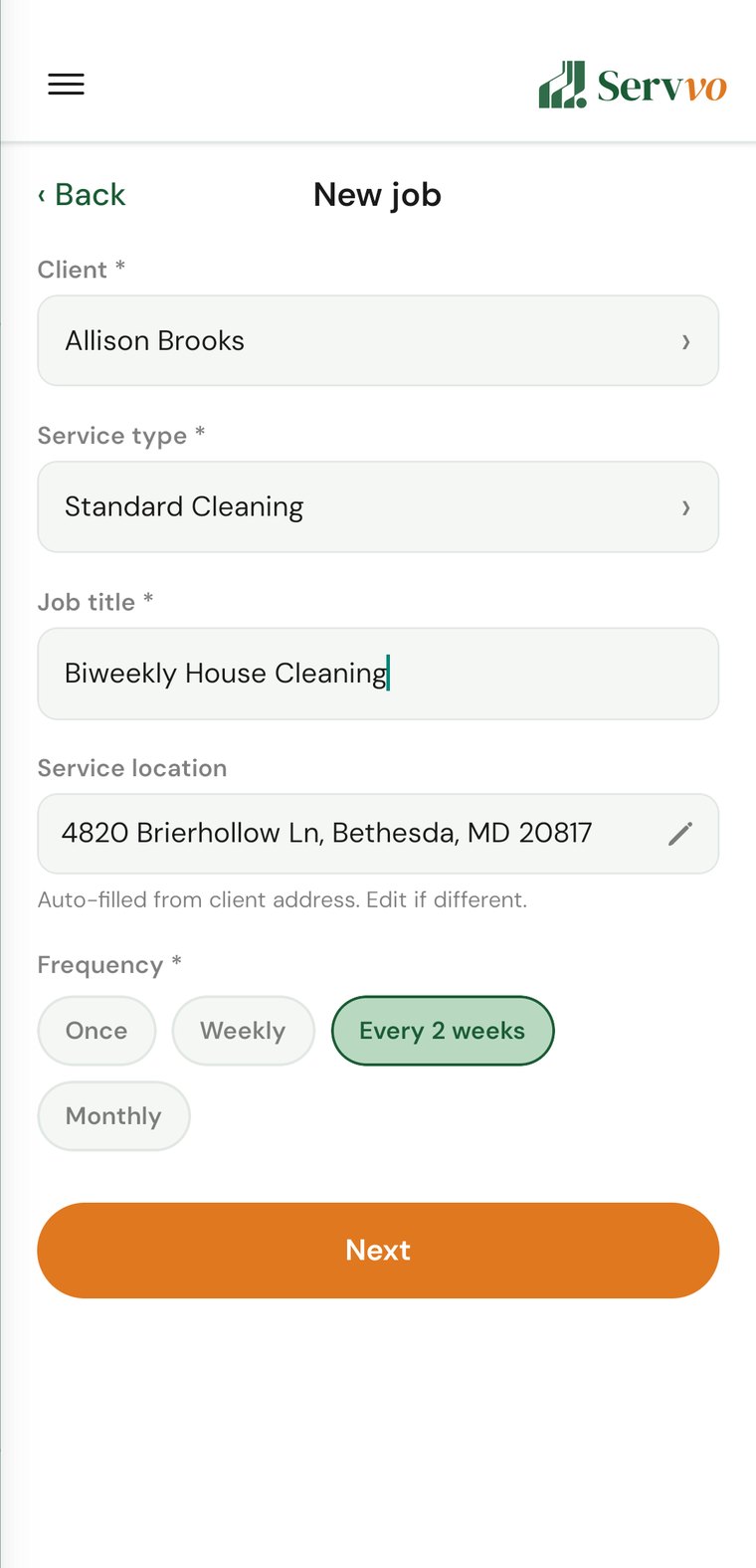
One-time or recurring, with price and schedule.
And you get paid automatically the moment you mark a job complete.
Before you connect your bank
Servvo uses Stripe to process payments. Stripe verifies your identity with bank-level security — just like opening a bank account. Gather these before you start so you can finish in minutes.
Your legal name, address, phone, and business type — sole proprietor, LLC, and so on.
Your EIN if your business is registered. If you work on your own, your SSN or ITIN.
A government photo ID (driver's license, passport, or state ID) and your date of birth. Stripe may ask for it to verify your identity.
The routing number and account number where you want to receive your payments.
Stripe is the same payment technology trusted by thousands of U.S. businesses. By law, it has to verify every business's identity to prevent fraud — that's why it asks for these details. You enter your information directly and securely with Stripe, not with Servvo. Servvo never sees or stores your SSN or full bank account numbers.
Step 1
Get set up in minutes — no monthly fees, no commitment.
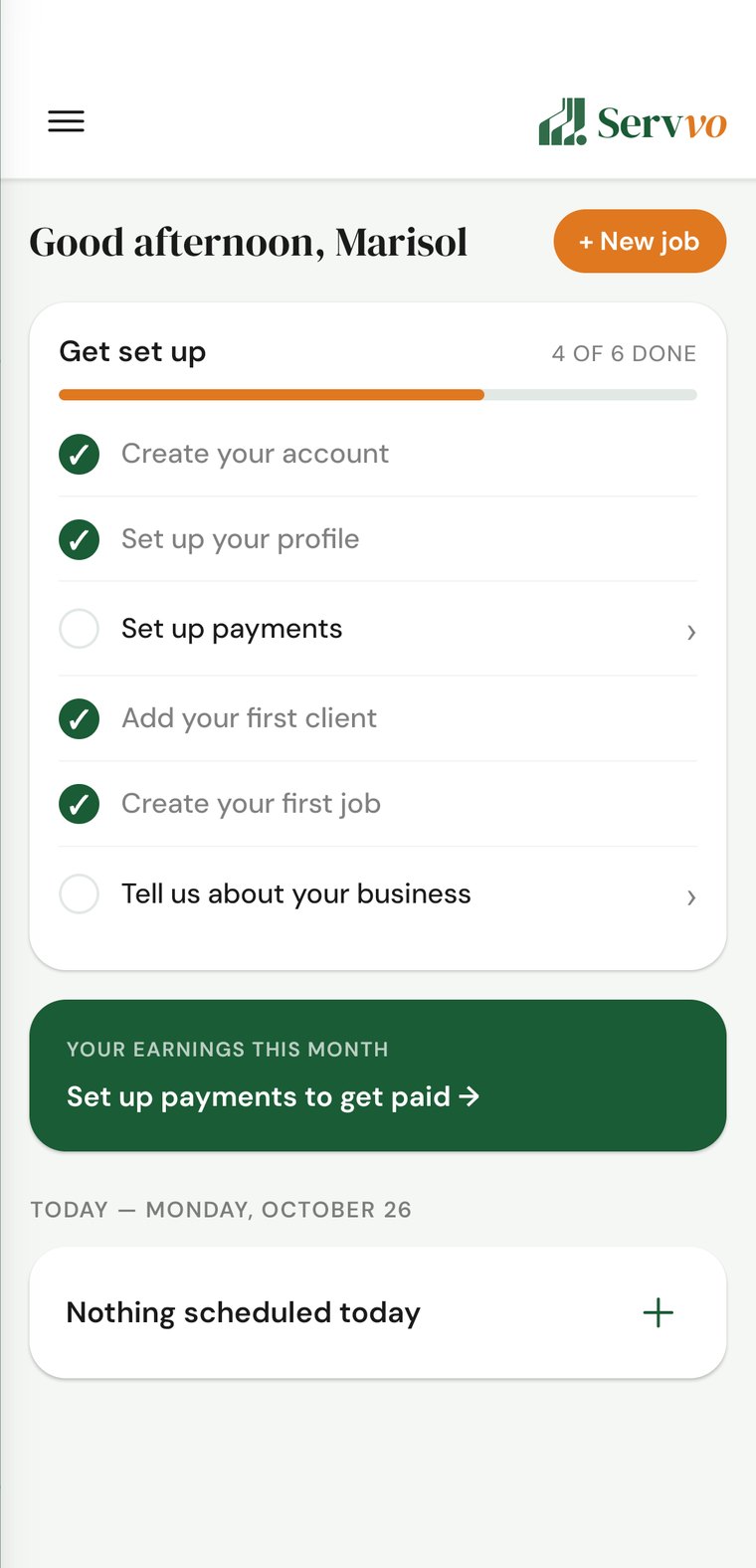
Your dashboard opens with a Get set up checklist. It walks you through the rest of this guide, and disappears once every step is done.
Step 2
This is how the money reaches you. Have the information from the checklist above ready before you start.
Use the exact legal name that appears on your documents, to avoid verification delays. Need to come back to it later? It lives in Settings → Billing & Payouts.
Step 3
Keep everyone in one place — the ones you have today and the ones you'll add tomorrow.
Invited clients get their own app, where they can see upcoming visits and pay their invoices.
Step 4
Set the work up once — Servvo handles the scheduling and the billing.
See your jobs
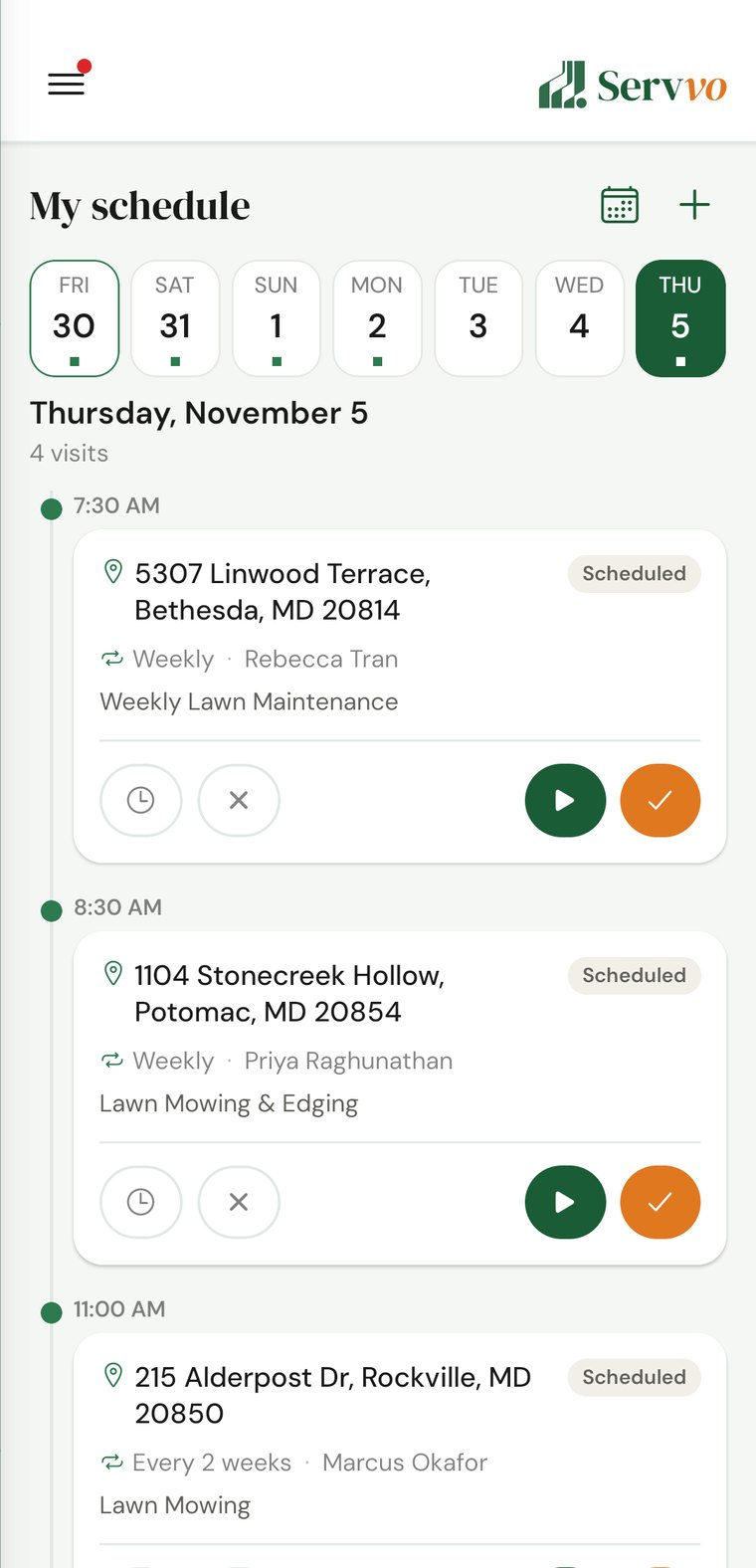
Everything you have scheduled, day by day — and the invoice goes out the moment you finish.
Getting paid
You mark the job as completed.
The automated invoice is sent to the client.
The client pays by card or by bank.
The money lands in your bank account.
Download Servvo and set up your business in minutes. No monthly fees.


Questions? admin@getservvo.com